
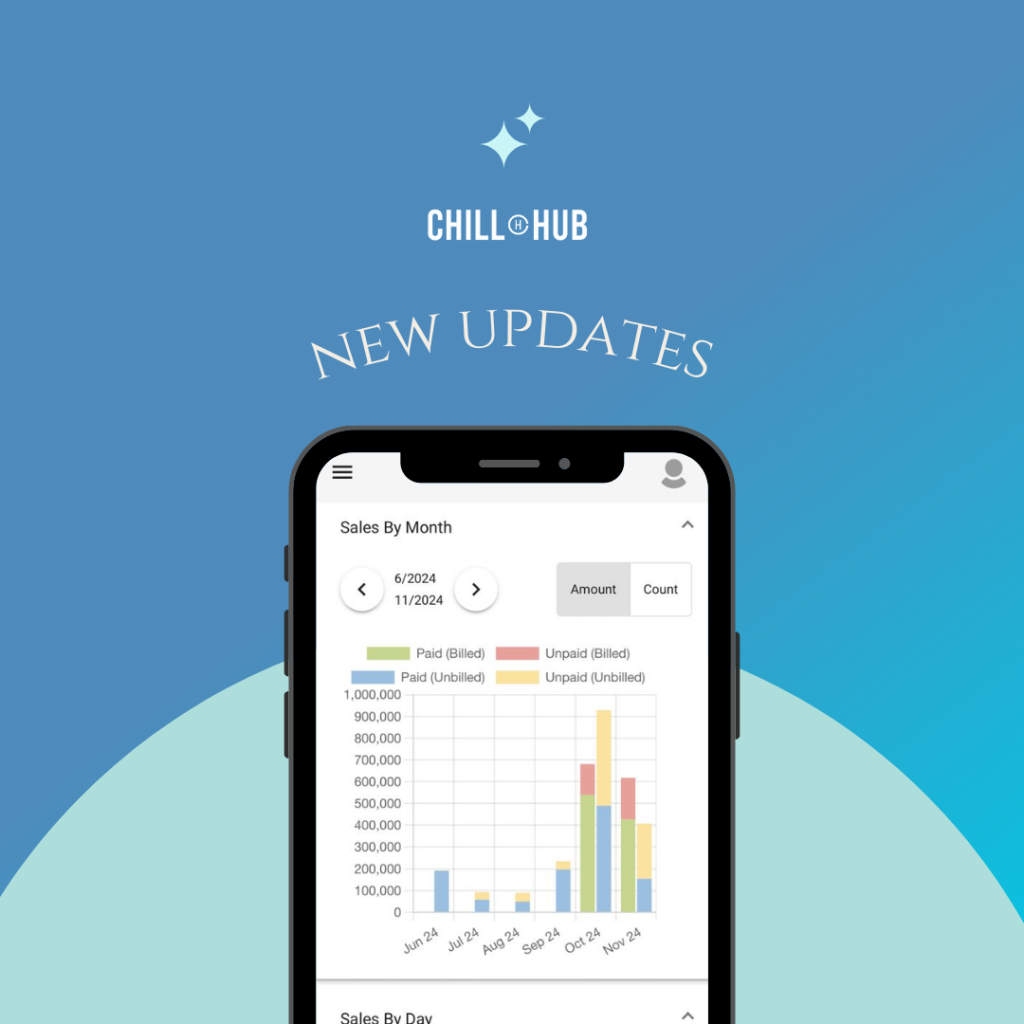
Chillhub Release 1.7 introduces significant improvements to scheduling, along with system enhancements designed to streamline daily operations and improve overall efficiency for service-based teams.
Job Recurrence
You can now create recurring jobs using daily, weekly, or monthly rules. This allows repetitive schedules to be automated, reducing manual setup and ensuring consistent service delivery for recurring customers.
Team Categories for Better Filtering
Team management is now more flexible with the introduction of team categories.
- Define team categories in Settings
- Filter schedules by multiple teams simultaneously
- Filter teams based on their assigned categories within the scheduling view
This makes it easier to manage larger teams or departments with different responsibilities.
Team Availability (Free Slots)
The scheduling view now displays available time slots for selected teams, allowing planners to quickly identify free slots and assign jobs more efficiently.
Calendar Popup in Job Appointment Form
Scheduling appointments is now more intuitive with a built-in calendar popup.
- Open the calendar directly from the job appointment form
- View existing scheduled time slots
- Select an available time and apply it instantly to the job
This helps reduce scheduling conflicts and improves booking accuracy.
External Accounting System Integration
Chillhub now supports integration with Autocount and SQL accounting systems, enabling sales data to be synchronized with external accounting platforms.
To activate accounting integration, please contact Chillhub Support to enable and install the required integration module.
Additional Improvements
Release 1.7 also includes several functional enhancements:
- Customer Terms: Define customer payment terms in Settings and apply them to billing information
- Default Payment Methods: Configure default payment methods in User Settings for faster data entry
- Account Rules by Payment Method: Assign default accounts based on selected payment methods in Chart of Accounts
- Inventory Popup Access: View current inventory levels when adding items or delivery notes from Quotations, Sales Orders, and Invoices
- Various performance improvements and bug fixes to enhance system stability and user experience
One Response